
Notice
Recent Posts
Recent Comments
Link
250x250
| 일 | 월 | 화 | 수 | 목 | 금 | 토 |
|---|---|---|---|---|---|---|
| 1 | 2 | 3 | 4 | 5 | 6 | 7 |
| 8 | 9 | 10 | 11 | 12 | 13 | 14 |
| 15 | 16 | 17 | 18 | 19 | 20 | 21 |
| 22 | 23 | 24 | 25 | 26 | 27 | 28 |
Tags
- ODQA
- matplotlib
- AI 경진대회
- Optimization
- N2N
- 기아
- passage retrieval
- word2vec
- RNN
- 데이터 구축
- Attention
- Bart
- pyTorch
- 현대자동차
- N21
- dataset
- nlp
- Data Viz
- Transformer
- Self-attention
- 딥러닝
- seaborn
- mrc
- AI Math
- 2023 현대차·기아 CTO AI 경진대회
- GPT
- Ai
- 데이터 시각화
- KLUE
- Bert
Archives
- Today
- Total
쉬엄쉬엄블로그
(Data Viz) Polar Coordinate - Polar Plot 본문
728x90
이 색깔은 주석이라 무시하셔도 됩니다.
Polar Plot
Polar Plot
- Polar Coordinate
- 한 점을 원점까지의 거리 r과 x축의 양의 부분에서 반시계방향으로 이루어지는 각도 θ를 이용하여 (r, θ)를 표현하는 방식
- 극 좌표계(Polar Coordinate)를 사용하는 시각화
- 거리(R), 각($\Theta$)을 이용하여 plot을 그림
- 회전, 주기성 등을 표현하기에 적합
- projection = polar을 추가하여 사용
- 해당 그래프는 Scateer, Line, Bar 모두 가능
Data Converting
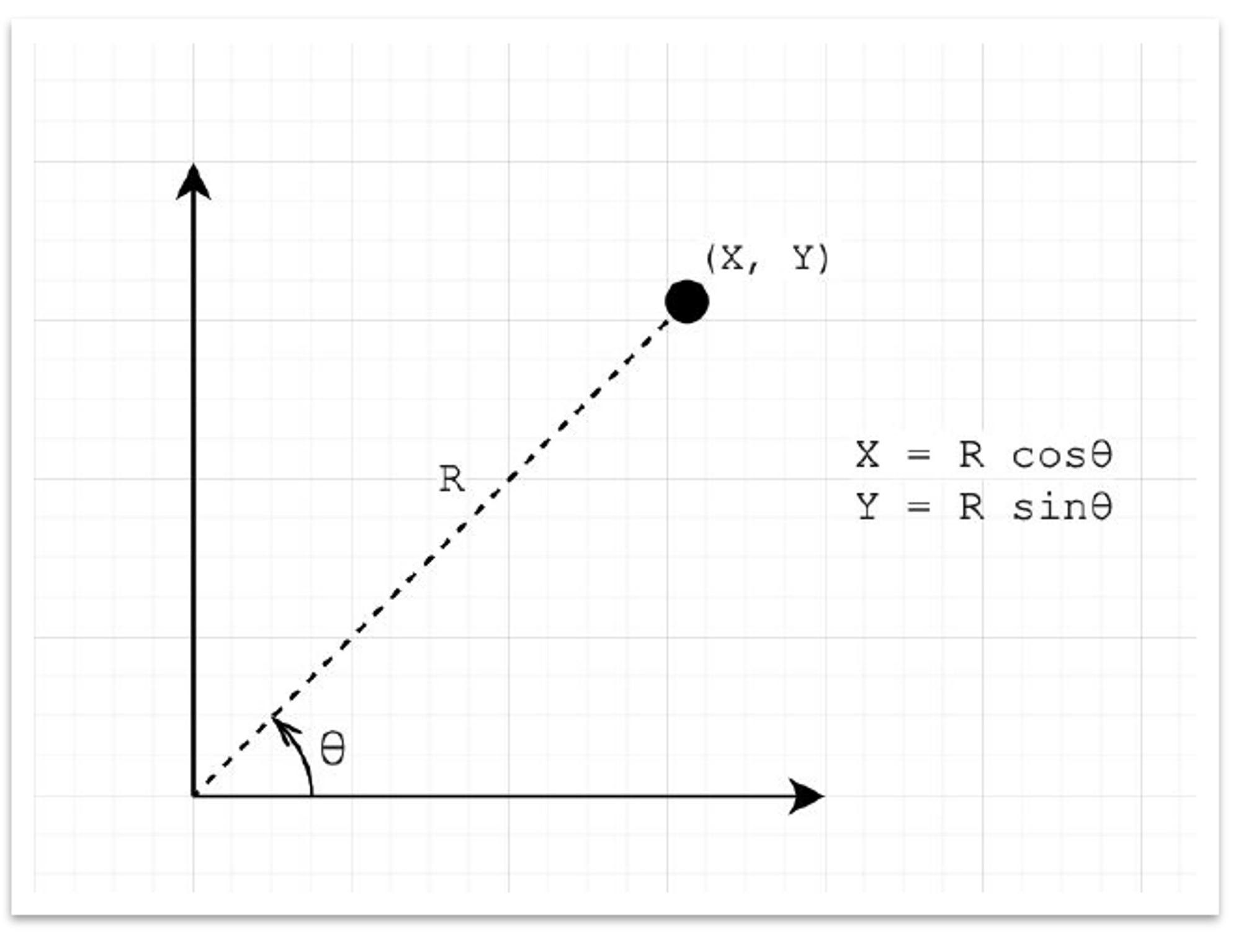
- 이미 앞서 사용한 방식 (Grid 등)
- 직교 좌표계 X, Y에서 변환 가능
- $X=R\cos\theta$
- $Y=R\sin\theta$
1. Polar Coordinate
극 좌표계(Polar Coordinate) 를 다루는 방법을 살펴보자
1-1. Polar Coordinate 만들기
import numpy as np
import pandas as pd
import matplotlib as mpl
import matplotlib.pyplot as plt
서브플롯 ax를 만들 때 projection='polar' 파라미터를 전달하면 다음과 같이 극좌표계를 사용할 수 있다.
fig = plt.figure()
ax = fig.add_subplot(111, projection='polar')
plt.show()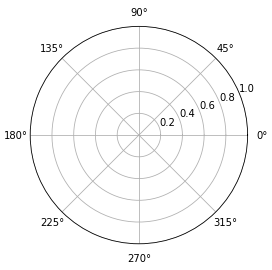
또는 polar=True 사용할 수 있다.
fig = plt.figure()
ax = fig.add_subplot(111, polar=True)
plt.show()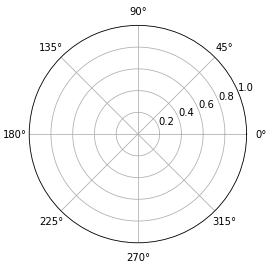
1-2. Polar Coordinate 조정하기
set_rmax: 반지름 조정set_rmin을 조정한다면? 도넛형태가 될 수 있을까?? (X, 원점의 값이 바뀜)
set_rticks: 반지름 표기 grid 조정
fig = plt.figure()
ax = fig.add_subplot(111, polar=True)

ax.set_rmax(2)
# ax.set_rmin(1)
ax.set_rticks([1, 1.5, 2])


plt.show()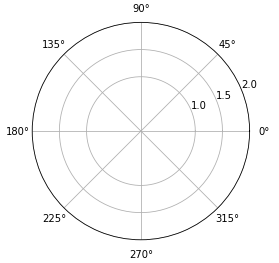
set_rlabel_position: 반지름 label이 적히는 위치의 각도 조정
fig = plt.figure()
ax = fig.add_subplot(111, polar=True)
ax.set_rlabel_position(-90)
plt.show()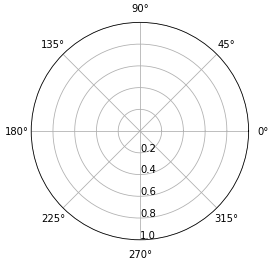
각도를 조종하여 부채꼴 모양 사용
set_thetamin(): 각도의 min값set_thetamax(): 각도의 max값
fig = plt.figure()
ax = fig.add_subplot(111, polar=True)

ax.set_thetamin(45)
ax.set_thetamax(135)
plt.show()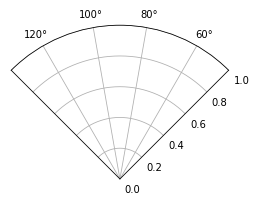
1-3. Polar 기본 차트
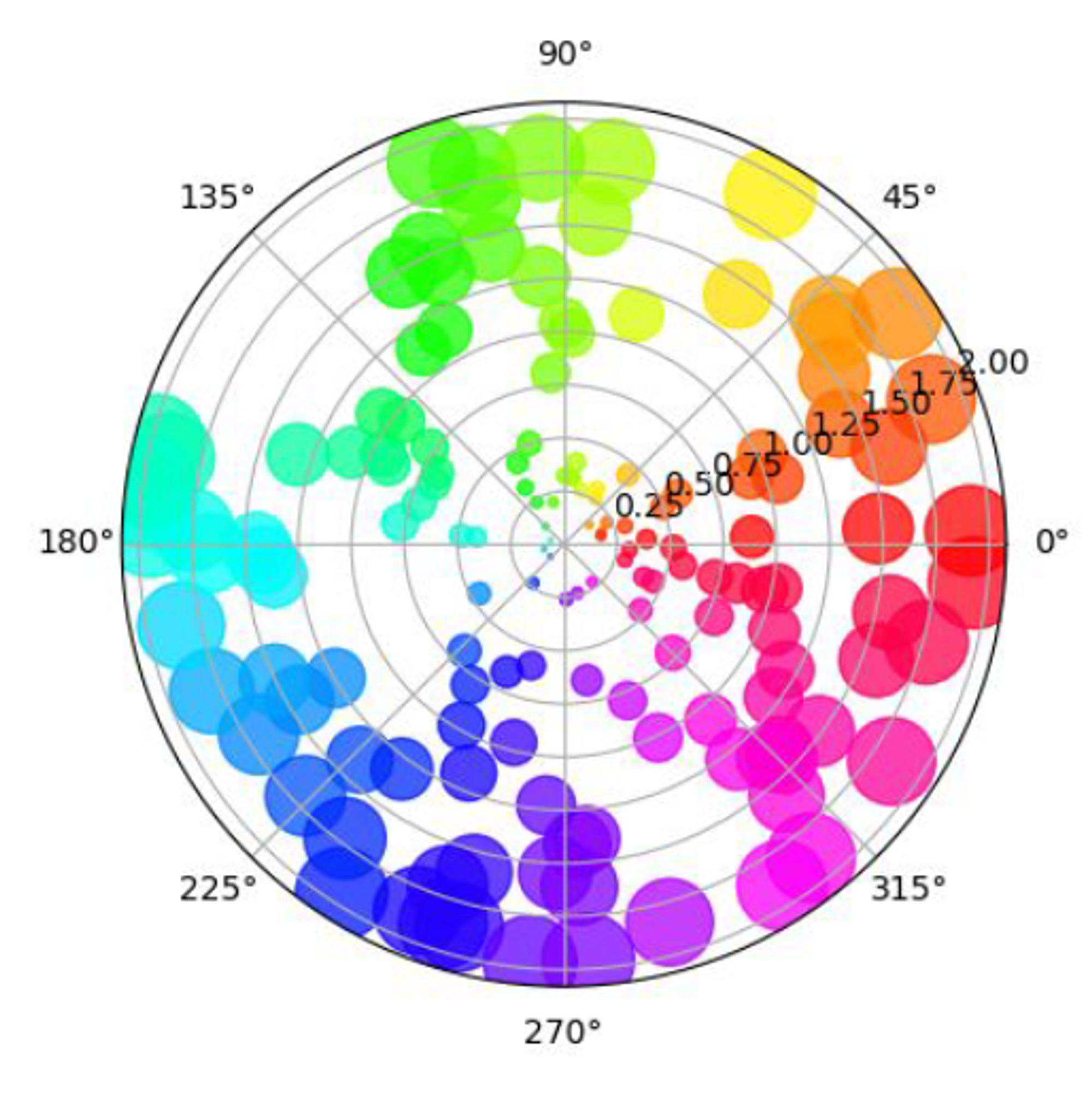
scatter(): 기존 산점도와 같음 (theta, r 순서)
np.random.seed(19680801)

N = 100
r = 2 * np.random.rand(N)
theta = 2 * np.pi * np.random.rand(N)
area = 200 * r**2
colors = theta

fig = plt.figure()
ax = fig.add_subplot(111, projection='polar')
c = ax.scatter(theta, r, c=colors, s=area, cmap='hsv', alpha=0.75)
plt.show()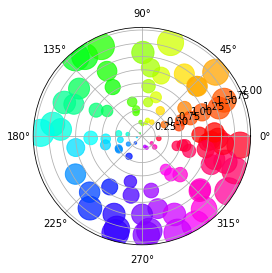
bar()
np.random.seed(19680801)

N = 6
r = np.random.rand(N)
theta = np.linspace(0, 2*np.pi, N, endpoint=False)

fig = plt.figure()
ax = fig.add_subplot(111, projection='polar')
ax.bar(theta, r, width=0.5, alpha=0.5)
plt.show()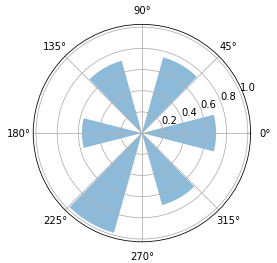
plot()
np.random.seed(19680801)

N = 1000
r = np.linspace(0, 1, N)
theta = np.linspace(0, 2*np.pi, N)

fig = plt.figure()
ax = fig.add_subplot(111, projection='polar')
ax.plot(theta, r)

plt.show()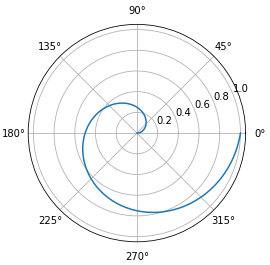
fill()
np.random.seed(19680801)

N = 1000
r = np.linspace(0, 1, N)
theta = np.linspace(0, 2*np.pi, N)

fig = plt.figure()
ax = fig.add_subplot(111, projection='polar')
ax.fill(theta, r)
plt.show()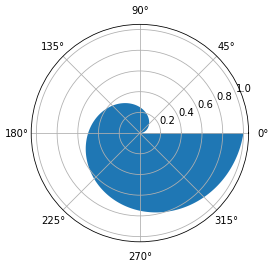
출처: 부스트캠프 AI Tech 4기(NAVER Connect Foundation)
'부스트캠프 AI Tech 4기' 카테고리의 다른 글
| (Data Viz) Pie, Donut, Sunburst Chart (Pie, Donut Chart 실습) (0) | 2023.07.03 |
|---|---|
| (Data Viz) Polar Coordinate - Rador Plot (0) | 2023.07.01 |
| (Data Viz) Seaborn 기초 실습 - 5 (Matrix API) (2) | 2023.06.29 |
| (Data Viz) Seaborn 기초 실습 - 4 (Relational API, Regression API) (0) | 2023.06.28 |
| (Data Viz) Seaborn 기초 실습 - 3 (Distribution API) (0) | 2023.06.27 |
'부스트캠프 AI Tech 4기' Related Articles
more


Comments